Your next interview starts
with a better resume.
Build yours with OMG Resume—ATS-friendly templates, precise design controls
and AI-powered writing that works with your experience.
Edit on the page Make it your own Export to PDF
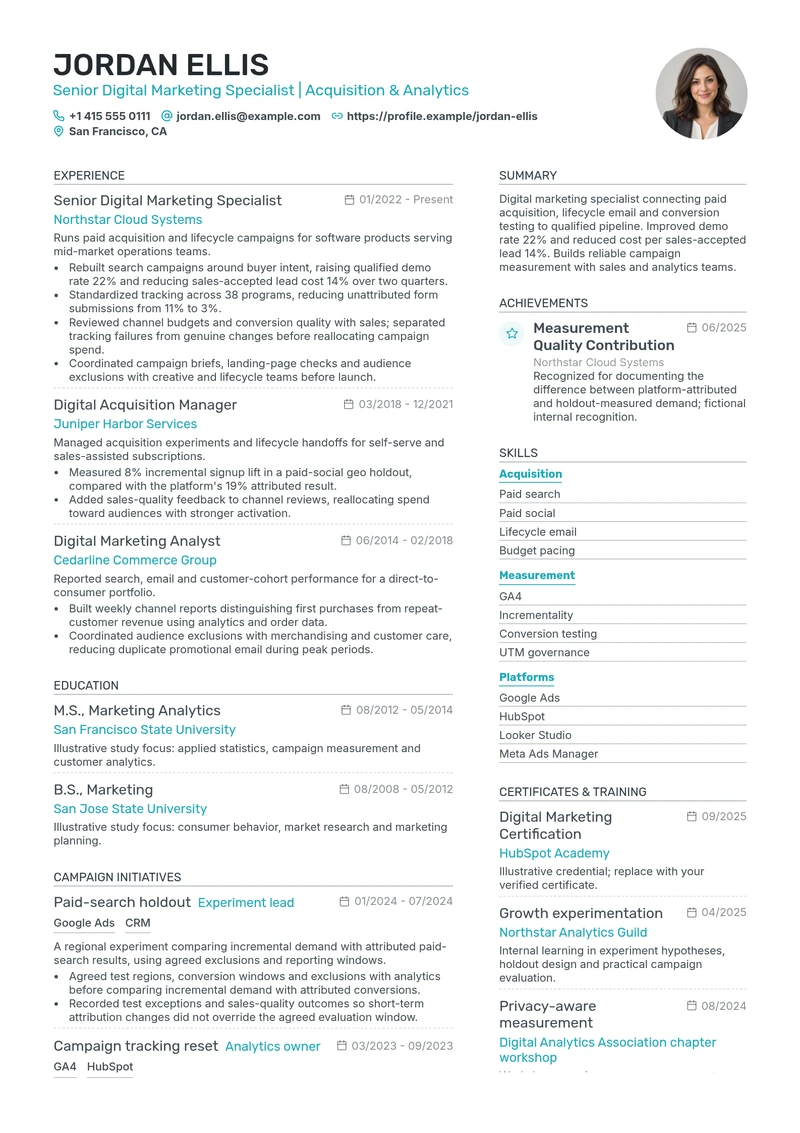
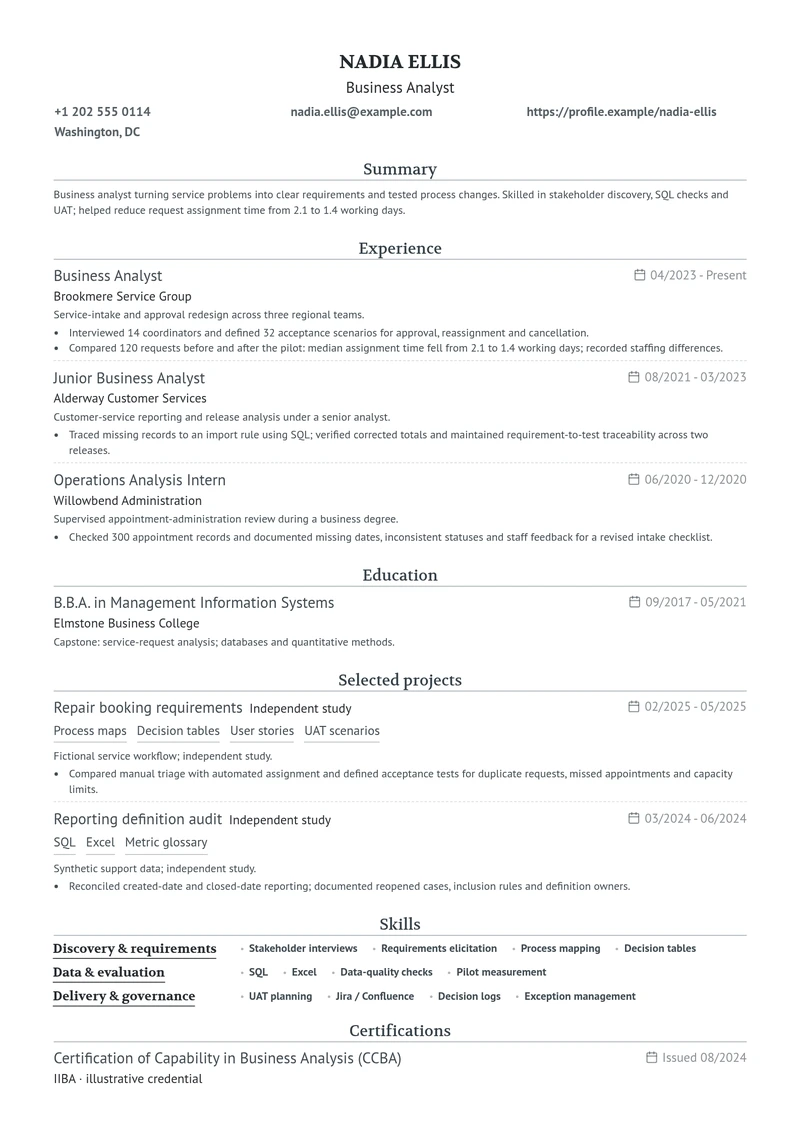
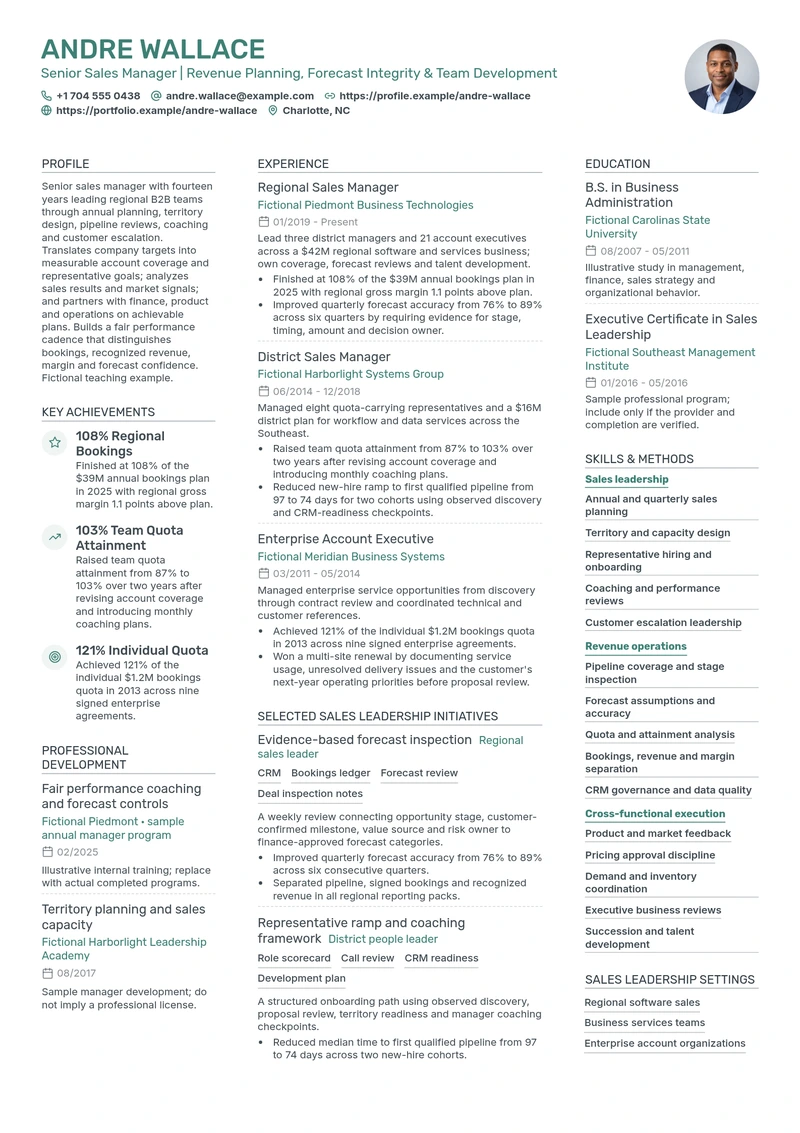
A real, editable designRubik / Inter · 2 columns
Interactive CV preview · Sample designs
Good work deserves good designChoose a CV template.
Choose a CV template.
Make it your own.
ATS-friendly resumes. Professionally designed, fully editable.
Your sections. Your style. Fonts, colours and backgrounds.
One, two or three columns. Multi-page layouts. More room to grow.
Every career has a storyCompare layouts.
Compare layouts.
Find the right structure.
See single-column, detailed and creative examples.
Open a CV to inspect its full design.
 High Performer · Program ManagerRaleway / Open Sans · 2 columns · Editable example
Your experience comes first
Detailed experience, clearly organised.
Use separate sections for work, projects and achievements. The two-column layout keeps supporting details beside your main experience.
ExperienceAchievementsExpertise
25section types to tell your story
1–3columns, with room to make it yours
CV + letterone connected application
Your nextchapter.
More than a documentAll the things you’ve done.
All the things you’ve done.
All the places you’ll go.
A good CV brings your experience into focus. The skills you’ve built, the projects you care about, and the work that made a difference.
Start with a design that feels right. Write directly on the page, organise the details, and let your own story lead. When you want a second pair of eyes, your AI assistant is right there.
Then bring it all together with a cover letter that connects your experience to what comes next.
Your story starts hereYour resume, from first idea to final designBuild your resume
Build your resume
in four steps.
01 · Find a resume templateFind the right look
Find the right look
for your next role.
Browse professional resume templates and compare complete CV previews. Choose a starting design, then open it in the CV builder to add your own experience.
- See the full design before you choose.
- Start fresh or upload an existing CV.
- Keep every template editable in the builder.
02 · Explore resume examplesFind your role.
Find your role.
Learn from real detail.
Explore resume examples by profession. See how internships, hands-on delivery and senior responsibilities are written, then use the structure to present your own experience.
- Search for examples relevant to your job role.
- Compare entry-level, mid-career and senior experience.
- Learn from specific achievements, projects and skills.
03 · AI resume builder
Write and edit your resume with AI.
Improve your CV summary, import a PDF or Word resume, translate sections and create a cover letter from your experience. Ask in the editor chat, review each suggestion and choose what to apply.
AI resume editor
Write a resume summary for your next role.
- Bring your relevant experience and achievements into focus.
- Use a target role or job description to guide the rewrite.
- Keep your real employers, responsibilities and results.
Your request
Try it on your CV Sharpen my summary using the acquisition and measurement results already in my CV.
Summary
Suggested edit
A more focused summary
Before
Digital marketing specialist connecting paid acquisition, lifecycle email and conversion testing to qualified pipeline. Improved demo rate 22% and reduced cost per sales-accepted lead 14%. Builds reliable campaign measurement with sales and analytics teams.
Suggested version
Digital marketing specialist improving qualified pipeline through paid acquisition, lifecycle email and conversion testing. At Northstar Cloud Systems, raised qualified demo rate 22%, reduced sales-accepted lead cost 14% and standardized tracking across 38 programs.
Compare the text, then approve to update the CV.
AI resume editor
Turn your existing CV into an editable resume.
- Upload your CV as a PDF, Word document or text file.
- Bring work history, education and skills into the editor.
- Review the imported details, then customise your design.
Your request
Try it on your CV Use my attached CV to fill this Modern design. Keep every supplied entry.
Imported content
Suggested edit
Jordan_Ellis_CV.pdfSample source · Content
Fill the editable CV
Before
A Modern CV with placeholder details and empty sections.
Suggested version
Jordan Ellis · Senior Digital Marketing Specialist 3 roles · 2 degrees · 3 campaign initiatives · 12 skills · Achievements · Training
Compare the text, then approve to update the CV.
AI resume editor
Make your resume skills easy to scan.
- Highlight skills that are relevant to your application.
- Choose a skill list, grouped layout or compact tags.
- Change the presentation without losing existing skills.
Your request
Try it on your CV Keep all twelve skills. Show them as filled tags without group headings.
Skills
Suggested edit
Restyle the existing skills
Before
12 skills grouped under Acquisition, Measurement, and Platforms.
Suggested version
Compare the text, then approve to update the CV.
AI resume editor
Translate your CV for your next application.
- Translate your CV summary into French, German or Bengali.
- Keep names, dates and achievements consistent with your original CV.
Translate into
Your request
Try it on your CV Translate my summary and its heading into French. Keep the same role and the 22% and 14% results.
Summary → Profil professionnel
Suggested edit
Translate this summary
Before
Digital marketing specialist connecting paid acquisition, lifecycle email and conversion testing to qualified pipeline. Improved demo rate 22% and reduced cost per sales-accepted lead 14%. Builds reliable campaign measurement with sales and analytics teams.
Suggested version
Spécialiste du marketing digital, axé sur l’acquisition payante, les e-mails de fidélisation et les tests de conversion pour générer des prospects qualifiés. Taux de demandes de démonstration augmenté de 22 % et coût par prospect accepté par l’équipe commerciale réduit de 14 %. Mise en place d’une mesure fiable des campagnes avec les équipes commerciales et d’analyse.
Compare the text, then approve to update the CV.
AI resume editor
Choose a resume layout that suits your content.
- Move experience, education and skills between columns.
- Adjust accent colours and sidebar backgrounds.
- Keep your information when switching layouts.
Your request
Try it on your CV Move experience and education to the right. Put skills on a soft violet sidebar on the left.
Page layout
Suggested edit
Update the page design
Before
Two columns · 61 / 39 split Experience on the left · Teal accent
Suggested version
Two columns · 39 / 61 split Experience on the right · Violet sidebar Every section and entry preserved
Compare the text, then approve to update the CV.
AI resume editor
Add CV sections. Show more of your work.
- Include projects, research, volunteering and achievements.
- Keep entry titles, dates and supporting details together.
- Group related work under clear section headings.
Your request
Try it on your CV Add my supplied Measurement Quality Contribution recognition to Achievements.
Achievements
Suggested edit
Add your achievement
Before
An empty Achievements section, ready for a supplied entry.
Suggested version
MEASUREMENT QUALITY CONTRIBUTION Northstar Cloud Systems · June 2025 Recognition for documenting the difference between platform-attributed and holdout-measured demand.
Compare the text, then approve to update the CV.
AI resume editor
Personalise your CV header, fonts and colours.
- Choose how your name and contact details appear.
- Adjust heading fonts, text sizes and accent colours.
- Keep your existing portrait and contact information.
Your request
Try it on your CV Give my header a violet banner. Use Gelasio headings and make my name 42 px.
Header
Suggested edit
Update header & typography
Before
Standard header · Arimo headings Name 38 px · Teal accent
Suggested version
Violet edge banner · Gelasio headings Name 42 px · Same portrait and contact details
Compare the text, then approve to update the CV.
AI resume editor
Create a cover letter from your resume.
- Connect the CV you want the cover letter to use.
- Share the target role and job description for a focused draft.
- Review the letter, then edit its paragraphs on the page.
Your request
Try it on your CV Use my CV to draft a letter for the Senior Digital Marketing Specialist role at Northline Studio.
Letter draft
Suggested edit
Jordan’s CVApplicant context connected
Draft from the linked CV
Before
A letter with Jordan’s details, company, greeting, and sign-off. The body is empty.
Suggested version
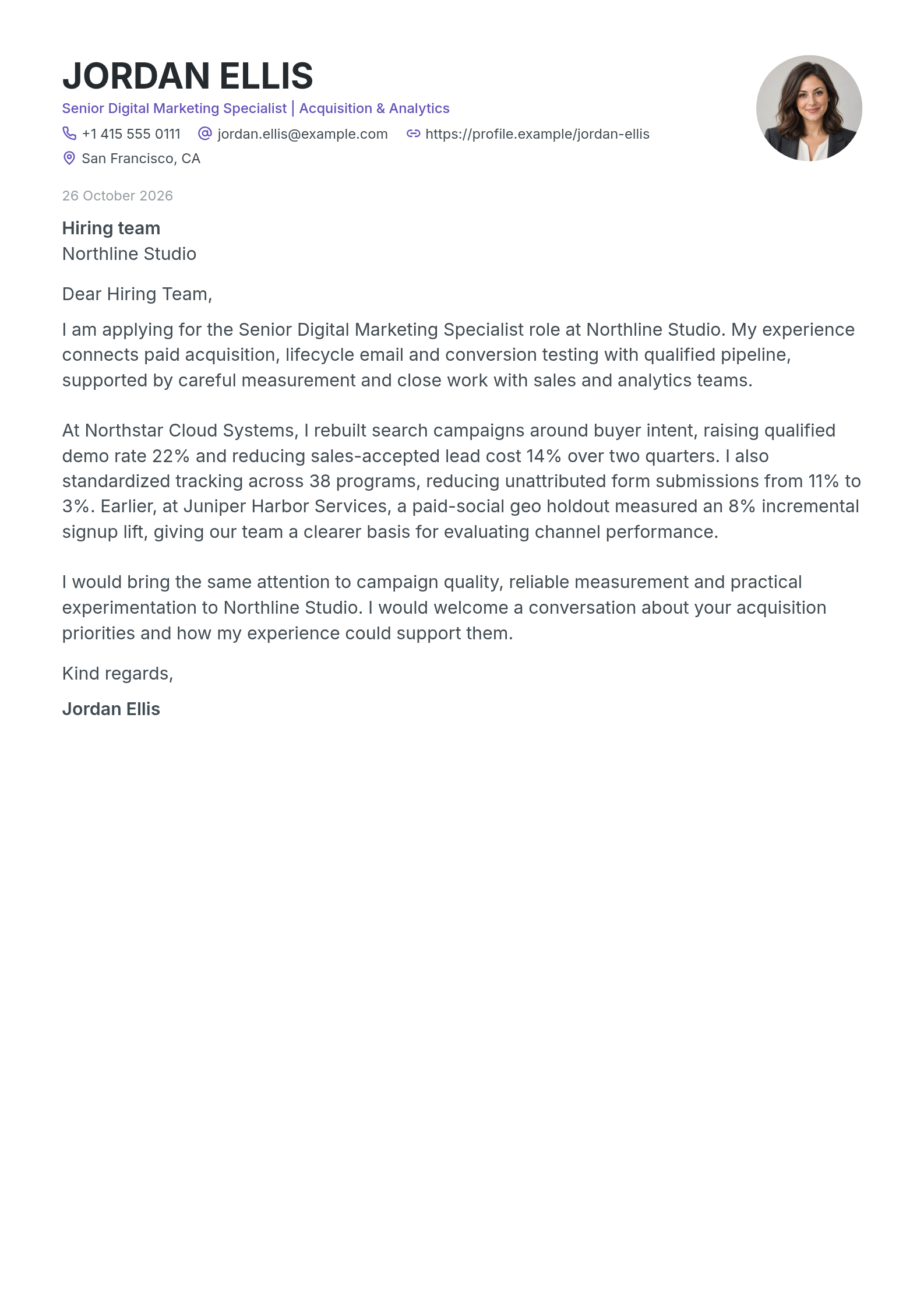
I am applying for the Senior Digital Marketing Specialist role at Northline Studio. My experience connects paid acquisition, lifecycle email and conversion testing with qualified pipeline, supported by careful measurement and close work with sales and analytics teams.
Compare the text, then approve to update the CV.
Interactive demo · Sample CVChoose a feature to explore. Approval updates this preview.
04 · Customise your resume templateChange your CV template.
Change your CV template.
Keep every detail.
Keep your experience while you compare resume layouts. Personalise the fonts, colours, headers and sections in your chosen design without rewriting your CV.
Editable CV templatesOne CV.
One CV.
Three resume layouts.
Switch between a classic single column, a sidebar layout and three balanced columns. Your work history, skills and qualifications stay editable in every design.
- Typography
- Rubik / Inter
- Colour
- Navy & steel blue
- Character
- A navy name panel and a generous experience column.
Same applicant. Three layouts. Every section stays editable.
The complete picture
Your complete application workflow.
Follow the full map: your profile, CV and cover letter connect to job search, the auto-apply agent, recruiter outreach and tracking.
Animated example · Sample profiles and numbersSwipe across to explore the full map →Start with your CV ↗
CV design toolsDesign your CV.
Design your CV.
Preview each change.
Preview CV headers, work experience layouts, fonts, colours and backgrounds. Follow the controls to see exactly what changes.
01 / Header & Photo
Customise your CV header and photo.
Compare a classic header, a dark banner and a two-column portrait layout using the same name, photo and contact details.
Select header → template icon
02 / Experience designs
Choose a work experience section layout.
See the same job titles, employers and achievements in a timeline, an editorial split and a classic experience layout.
Select Experience → template icon
03 / Document columns
Switch between one, two and three columns.
Compare resume column layouts with the same content. Your sections move with the design, without rewriting your CV.
Design → Layout → Columns
04 / Font family
Choose fonts for a readable resume.
Preview Gelasio, Lato and Rubik on the same CV. Compare the typography before choosing your resume font.
Design → Text → CV font
05 / Accent colours
Change your resume’s accent colours.
Compare forest green, cobalt blue and deep garnet. See how each accent changes your CV header and section headings.
Design → Appearance → Accent colours
06 / Page background
Add a subtle CV background.
Try soft curves, side waves and a honeycomb frame. Preview each background with your resume content still in view.
Design → Appearance → Page background
07 / Add a new section
Add CV sections as your experience grows.
Add languages, volunteering and awards with their supporting details. New sections appear at the end while your existing work stays in place.
Add section → choose a section
Beyond the document
Your work deserves more than a page. Give it a place people remember.
Explore a little furtherTemplates and examples.
Explore the library Templates and examples.
Find your starting point.
Start wherever you areA clear path.
A clear path.
A little less friction.
There’s more ahead of you.Make your next
Make your next
first impression count.
Your experience has a story to tell. Let’s give it a beautiful home.
Create your next versionA little more clarityGood questions.
Take a look around
Good questions.
Clear answers.
Get to know the tools before you start your next chapter.
Your workspace is yours.
Keep your CVs, letters, and conversations in your account. The example library is a separate place to explore ideas.
How does the AI CV editor work?
Describe the change in the editor chat, or share a PDF, DOCX, text file or supported image. The assistant can propose text, section and design changes using the information you supply. Review the proposal before applying it. Applied changes remain editable, and you can use Undo.
Can I create and edit a CV for free?
Yes. You can create and edit a CV online. PDF downloads require active paid access or a complimentary download offer on your account. AI requests use your account allowance.
Can I start with my existing CV?
Yes. Upload a PDF, DOCX, or text file when creating your CV, or share a supported document or image with the AI assistant. Your information becomes editable content. Check the imported sections, names, and dates before sending your application.
Are these designs available in the editor?
Yes. All 16 featured CVs use our native design system. Open an example to explore it, then use that design with your own information. Layout, typography, headers, colours, and section designs stay editable.
Do I need AI to edit my CV?
No. Click directly on a line to edit it yourself. Add and group entries, move sections, change the design, and undo an edit using the editor controls. The AI assistant is there when you want help.
Can the assistant translate my CV?
Ask it to translate a section or rewrite supplied content in another language. Review the proposed text alongside your document before applying it, keeping the original meaning of names, dates, and achievements.
How does a cover letter use my CV?
Choose Make cover letter from your CV, or select a CV while creating a letter. The connected CV supplies your experience. Add the role or job description, and work on the letter in its own inline editor.
Can I keep several applications?
Your workspace keeps CVs and cover letters together. Switch between cards and a list, search by name, sort your projects, or arrange them in a custom order. Your account contains your own documents and chats.
What can I do with a portfolio website?
Start a portfolio from a CV or a blank website. Choose section templates, add selected projects and images, and edit the website independently. Preview it before publishing a shareable page.
How do I download a CV or cover letter?
Open Export in the editor to download a PDF. An active paid plan provides unlimited downloads during its access period; a complimentary download uses your available offer allowance. Check the final wording, contact details and page breaks before sharing.